Photo scavenger hunt ideas for your wedding
A wedding photo scavenger hunt is a set of small tasks for your guests, printed on cards, giving their photography a clear direction. “A photo of the first kiss as a married couple.” “The bride’s shoes.” “A selfie with someone you’re meeting for the first time today.” The difference from “do take plenty of pictures” is Uncle Herbert: he brings his own camera to every celebration and shoots four hundred photos, eighty of them of the buffet.
A photo scavenger hunt, sometimes called a photo challenge, turns your guests into a second team of reporters. Here you put your tasks together from ready-made photo scavenger hunt ideas, add your own, and download the lot as a free printable PDF. No sign-up, no email address.
- Ready-to-print PDF
- No sign-up
- Add your own tasks
Build your photo scavenger hunt
Put your photo scavenger hunt together
Pick tasks, add your own, choose a design. Your printable PDF is ready.

Tap a task to add it to your list.
No task matches that search. You can write your own in the next step.
Add your own tasks
The things that only happen at your wedding: the dog in a suit, Grandpa’s trumpet, the sparklers at midnight.
Your list ()
Your list is still empty. Go back to step 1, or write your first own task above.
Card preview
created with

www.pixxta.app
This is what a single card looks like. The PDF fits several of them on a page, ready to cut out.
Your PDF is ready
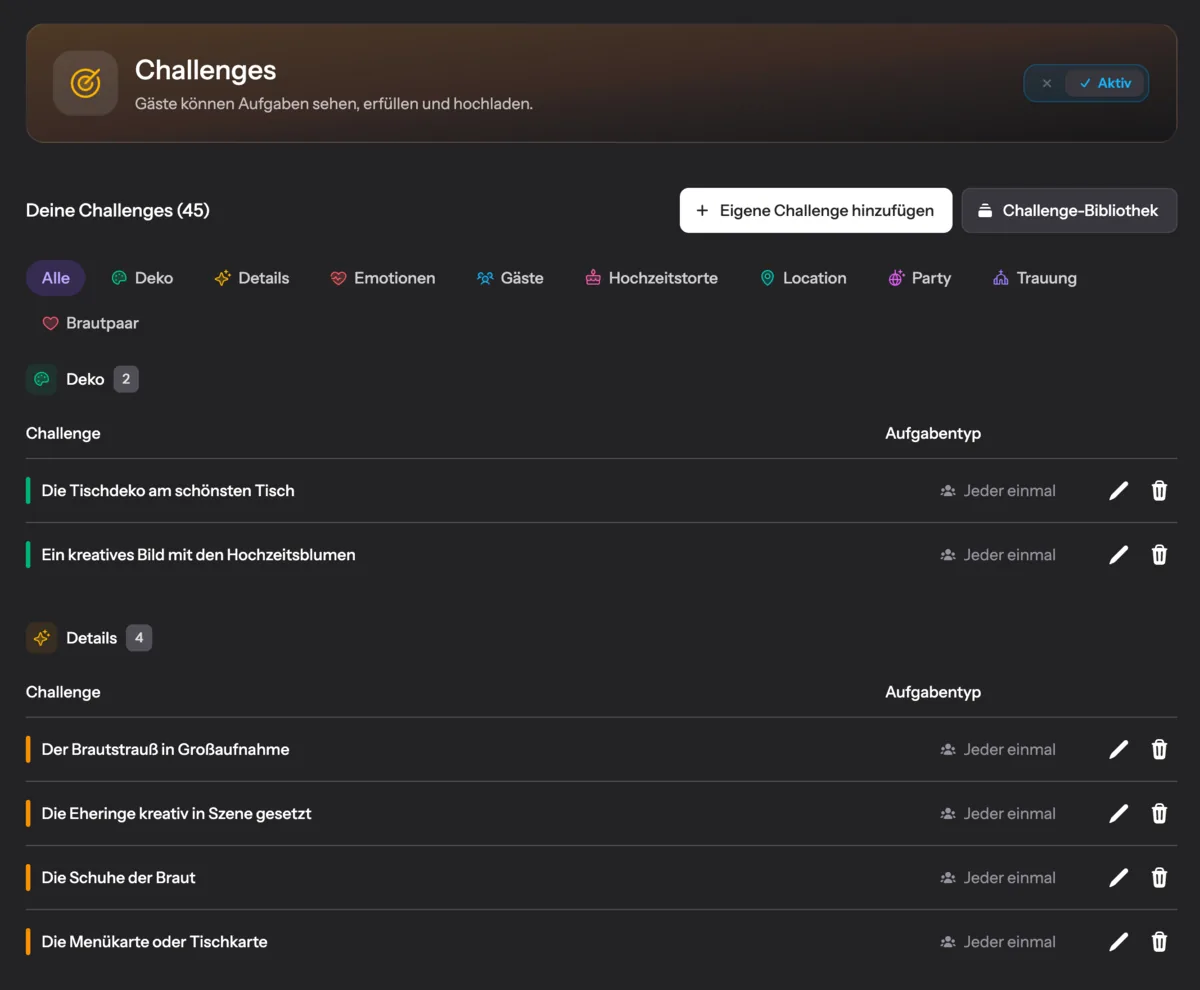
The same tasks are available without paper, too
Your photo tasks are part of the Pixxta experience as well: guests scan a QR code, pick a photo challenge, and the picture or video goes straight into your shared gallery.
- Photo challenges for your guests
- Guest portal with live feed
- Live wall on projector or TV
- Messages on the big screen
- Digital guest book
- Shared gallery, available for a year
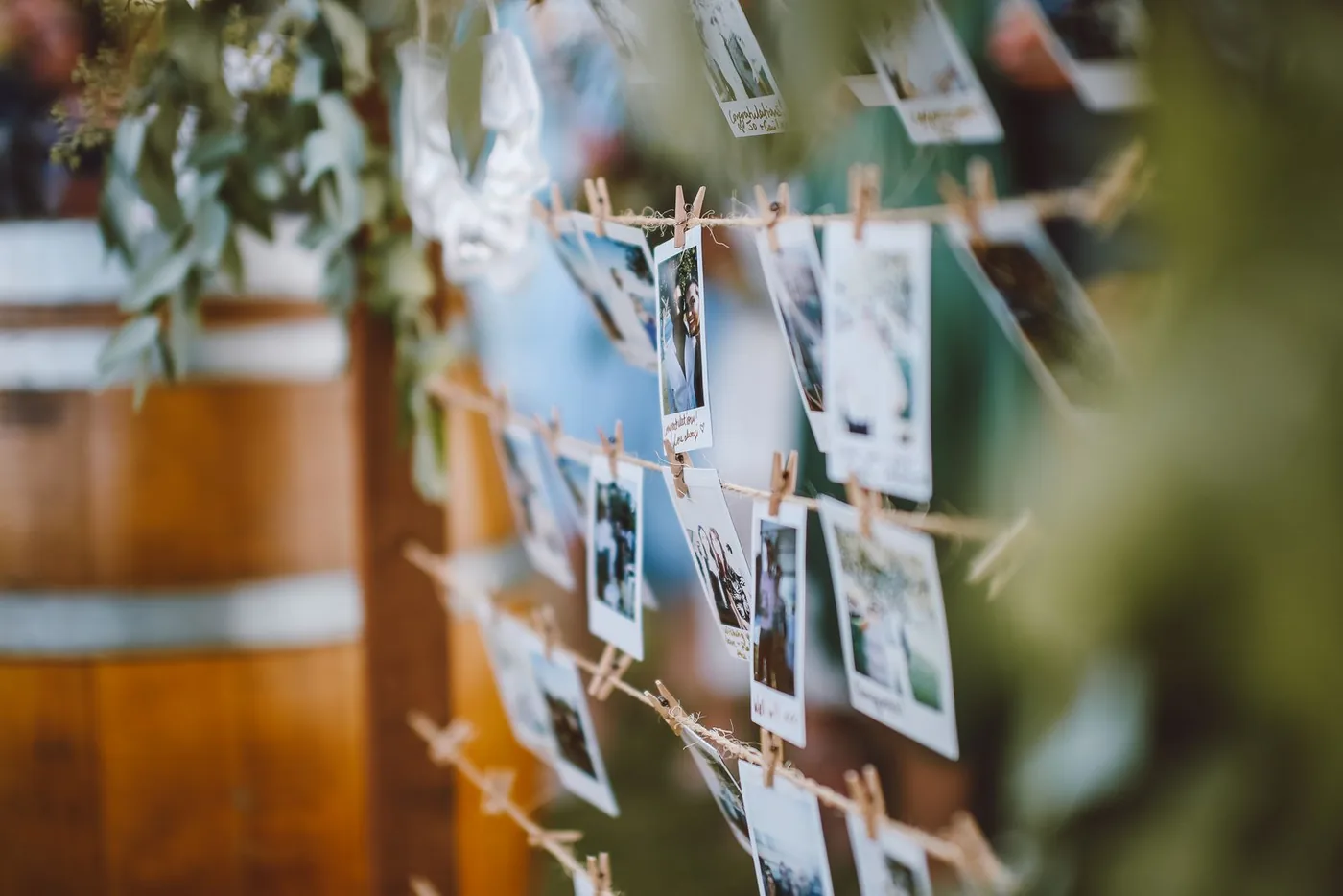
Photo: Rachel Claire · Pexels
What a photo scavenger hunt really does for a wedding
On your wedding day you are in exactly one place: the middle. You stand at the front during the ceremony, sit at the head table for dinner, and spend the evening being passed from one hug to the next. What happens at the next table while you cut the cake, you will never see. Unless somebody photographs it for you.
That is precisely what a photo scavenger hunt does. It gives your guests a concrete task instead of a vague request. The difference is bigger than it sounds. “Do take a few pictures” results in three people taking pictures. A card with a clear task on it invites people in, because everyone knows what is meant and because it feels like a small game.
The second effect only shows on closer inspection. Photo tasks get people talking who don’t know each other. A wedding brings together two families and several circles of friends who have never met. A task like “A photo together with someone from the other side of the family” does more for the evening than any seating plan.
How many tasks do you need?
The question is trickier than it looks, because there are two numbers behind it. How many cards do you lay out, and how many different tasks are printed on them? These are not the same thing, and mixing them up is the most common planning mistake.
If every guest gets their own task, the number of cards follows the guest list. With 250 guests that means 250 cards. You don’t need 250 different tasks, though, because the same task can go to several people. Quite the opposite: if five people independently capture “the most emotional moment of the speech”, you get five angles on the same scene. That is exactly the point.
If instead you lay the cards out openly and everyone takes what appeals to them, the logic reverses. Then variety counts, not volume. Twenty to thirty different tasks are plenty for almost any celebration, and whatever is left over was the weakest idea anyway.
When in doubt, a few too many beats a few too few. Leftover cards go unnoticed by everyone. An empty card holder at half past ten does not, and then you are left choosing between doing nothing and writing notes by hand.
Which photo tasks work, and which don’t
A good photo task has a recognisable trigger. Reading it, you know what you’re waiting for and when the task is done. A bad task is a mood without a moment. Three comparisons:
“A photo of the moment the bride first cries.”
“A beautiful photo of the party.”
The first task has a clear trigger. You know straight away what you’re waiting for. The second one can’t be completed, because there’s no telling when it would be.
“A selfie with someone you’re meeting for the first time today.”
“A selfie with a guest.”
The first task quietly starts a conversation between families who don’t know each other. The second is done without anything having happened.
“The shoes under the table after three hours of dancing.”
“Something funny.”
Specific tasks produce specific pictures. “Something funny” produces either nothing at all or, with twenty guests, the same thing twenty times over.
Mix the demands deliberately, too. Some tasks should be doable by anyone without getting up: the table decoration, the cake, their own place setting. Others may call for movement — approaching someone, going to the dance floor, stepping outside. If every card demands courage, half of them stay put. If none of them do, nothing happens that anyone remembers later.
How the tasks reach your guests
The best list of tasks is worth nothing if it turns up at the wrong moment. Four routes have proved workable, and they don’t rule each other out.
At the place setting
One card on every place setting, like a second name card. Whoever sits down already has their task in front of them, with nobody having to explain a thing. This is the most reliable route, because you keep full control over who gets what and nobody is overlooked. If you’re designing the cards, it’s worth writing the guest’s name on them. A slip of paper becomes a personal request that way, and those are far harder to turn down.
Drawn from a box
All the cards go into a nice box, rolled up and tied with ribbon or a rubber band. Every guest draws one, either at a fixed station or as someone walks the box through the room. The drawing itself becomes a small event: you don’t know what you’ll get, and you compare with your neighbour afterwards. For celebrations where people are moving about anyway, this works better than any quiet handout.
Handed out in person
Best men, bridesmaids or the children go round and hand the cards out personally. The advantage is timing: you decide when the tasks come into play instead of leaving it to chance. Just before the main course is a good moment, because everyone is seated and reachable. Children, incidentally, do this with a seriousness no guest can argue with.
Laid out openly
A stack in the middle of the table, a holder at the bar, a small basket by the gift box. Here everyone picks what appeals to them, and some take two or three. It’s the most relaxed route, but also the least binding, because nobody feels addressed. As an addition to one of the other options it works well; as the only route, rarely.
There is one spot you should skip, tempting as it looks: the welcome table. That’s where people are greeted, hugged and moved along. Whatever lies there gets a friendly glance and is never touched again.
Assign or draw?
If every guest gets exactly one task, you have a choice. Either you work out in advance who gets what, or you let chance decide.
In favour of assigning: you know your people. The task “A photo of the packed dance floor” goes to someone who’ll be standing there all evening anyway. “A picture with the grandparents” lands with the cousin already sitting at that table. Every task fits somebody who can do it effortlessly. The price is an evening of preparation with the guest list.
In favour of drawing: everything else. It takes no preparation, it spreads itself evenly, and it sends people to corners of the party they’d otherwise never have reached. If your aunt draws a task that takes her to the bar, the luck of the draw has done more for the evening than any seating plan.
(If you can’t decide: assign the ten tasks where the person really matters. The rest goes in the box.)
How to get your guests to join in
It takes exactly one sentence from one person. Not on a card, not in the programme, but spoken, at a moment when everyone is seated and listening. Ideally over dinner, just before the main course: “There are little photo tasks on your tables. We’d be thrilled if you took them on. Otherwise we only ever see our own wedding from the front.”
Who does it hardly matters, as long as it isn’t you. Best man, host or DJ all work. You’ll be claimed from all sides that day anyway, and a request coming from somebody else lands more lightly.
One more thing helps: mention that you’ll see all the pictures afterwards. Anyone who knows their shot will arrive somewhere is more likely to join in. Anyone who suspects it will rot in a photo app among 4,000 others, less so.
What your guests take photos with
The tasks are handed out, and then comes the question people like to skip while planning: what exactly are your guests supposed to take the pictures with? Three routes are common, and they differ more than you’d think.
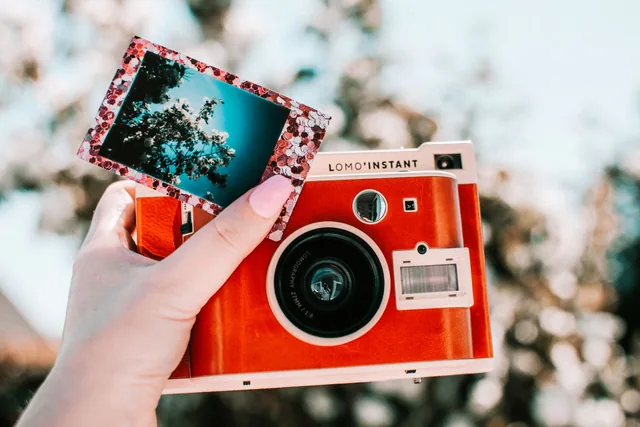
The instant camera
The picture comes straight out of the camera, and there it is. No cable, no account, no “I’ll send it to you later”. That’s exactly the appeal, especially combined with a guest book the photos get pasted into. The catch is the film: a pack of twenty costs just under nineteen euros, so roughly a euro per photo. With eighty guests and one picture each you’re at about eighty euros — and only if nobody presses twice. On top of that, each picture exists exactly once. Lose it and it’s gone.
Photo: Lisa Fotios · Pexels
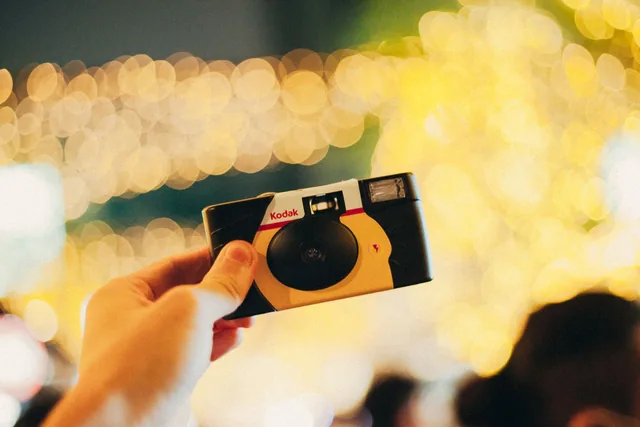
Disposable cameras at a wedding
The classic many people know from their parents’ wedding. A few cameras spread across the tables, and the guests snap away. Cheap to buy, charmingly analogue, and weeks later the developed film brings a small surprise to your door. Though you really do wait weeks for it. And because nobody can see what they’ve just photographed, the developed pictures reliably include a few table legs and elbows.
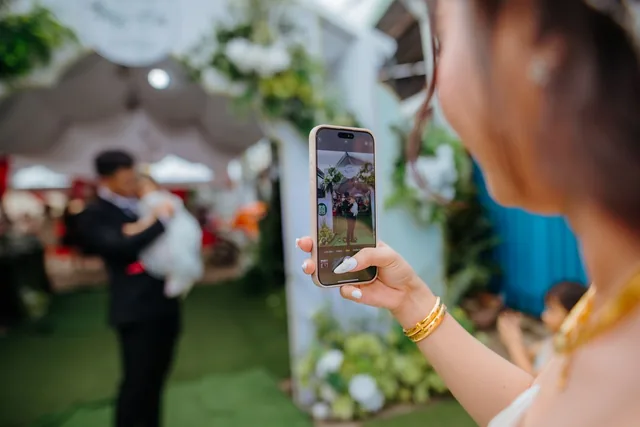
The smartphone
Everyone has one, it costs nothing, and it takes better pictures than both alternatives combined. The drawback isn’t the camera, it’s what comes after: the photos stay where they were taken. On twenty, eighty or two hundred and fifty other people’s phones. Kaddi filmed all evening, it all went into her story, and after twenty-four hours it was gone. Anyone who has tried collecting the pictures one by one afterwards knows how it ends: you ask three times, you get half of them, and eventually you stop asking.
Wedding QR code for photos: scan it with a smartphone
This is exactly where Pixxta comes in. Your guests scan a QR code and land in your guest portal. All the photo tasks are there in the open, and everyone picks whatever they fancy. The picture goes straight into your shared gallery the moment it’s uploaded. No app, no account, no collecting afterwards.
Letting everyone choose also solves the problem with the bolder tasks. On paper, someone is handed a card that makes them uncomfortable, and it stays put. In the portal, everyone takes what suits them. The shy cousin photographs the cake, and your maid of honour heads for the dance floor.
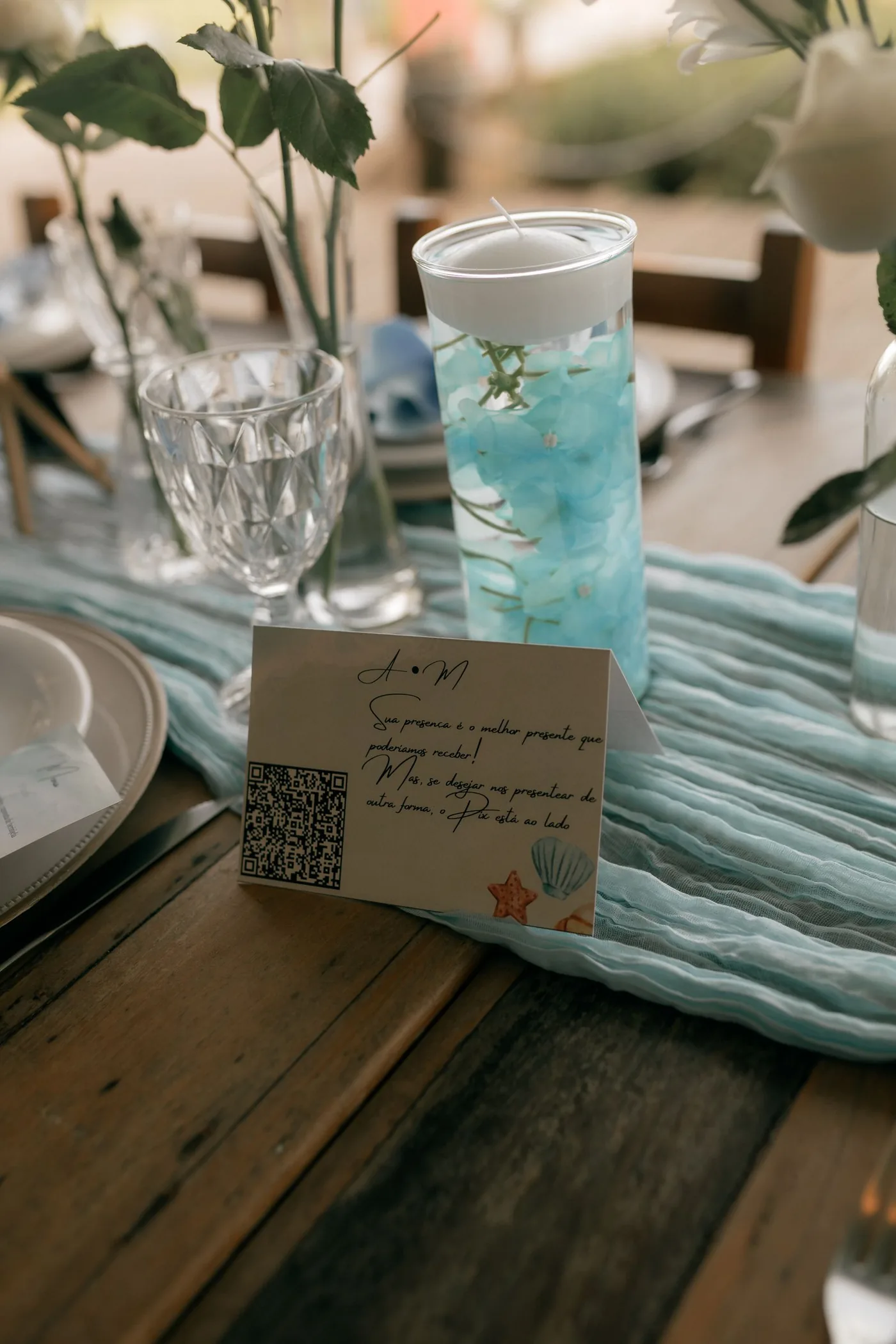
Photo: Alexander Mass · Pexels
Some tasks can be completed several times over; others disappear after the first picture and are then gone for everyone else. That creates exactly the tension a printed card doesn’t have: whoever sees the cake being cut and is quick enough gets the task. Everyone else looks for something new.
And the photo tasks are only one part of it. While the party is on, the pictures can appear live on a screen, and your guests can leave messages – typed or as a voice recording. Afterwards it all becomes a shared recap that everyone can watch and download.
Four mistakes you can head off in advance
Too many different tasks
If every card asks for something else, the game turns into a sorting exercise. Guests compare, swap, put cards back, and in the end half of them have photographed nothing. A manageable set of tasks, handed out several times over, works better — and gives you several angles on the same moments as a bonus.
Nobody says a word
Cards on their own aren’t enough. It takes a person to say out loud, once, what this is about. Without that one sentence a large share of the cards stays untouched, however beautifully they’re designed.
Tasks nobody wants to do
Anything that puts guests in an awkward position stays on the table. That in itself is no disaster, but it rubs off on the other cards: whoever finds one task uncomfortable won’t even look at the rest. A photo scavenger hunt should invite, not demand.
The phone route has no way back
If your guests shoot with their own phones, the job isn’t done once the shutter clicks. The pictures still have to reach you somehow, and that doesn’t happen by itself. Settle beforehand where they should go. Otherwise you’ll still be collecting them one by one months later, and Uncle Herbert will drop off a USB stick in March with nothing on it but the buffet.
What you end up with
A few weeks after the wedding you get your photographer’s pictures: carefully chosen, cleanly exposed, the official view of your day. What’s missing are the hours in between. The moment your best man searches under the table for his notes. The aunt dancing for the first time in years. The last six people at half past three in the morning.
Those pictures only exist if plenty of people are taking them. And they only reach you if somebody asks for them. That is exactly what the photo tasks do. They turn a general request into concrete assignments, and twenty phone cameras into a second, far larger report on your day.
Download the template, print it, put it on the tables. And if anyone asks whether this couldn’t be done without bits of paper: yes, it could. Uncle Herbert would then be one excuse short.
Frequently asked questions
It depends on how you hand them out. If every guest gets their own card, the number follows your guest list. You don’t need as many different tasks, though, because the same task can go to several people. If you simply lay the cards out, twenty to thirty different ideas are plenty for almost any celebration.
The most reliable way is one card per place setting, ideally with the guest’s name on it. Nicer still: roll all the cards up in a box and let everyone draw one. Both work better than a stack in the middle of the table, because nobody there feels personally asked.
Assigning pays off for the tasks where the person matters — a photo with the grandparents, say. For everything else, drawing is better: it takes no preparation and sends guests to corners of the party they’d otherwise never have reached.
Their phones, if you want to end up with all the pictures. Instant cameras are lovely, but cost around a euro per shot and give you each photo exactly once. Disposable cameras are cheap, but take weeks to develop. With phones, the only thing to settle beforehand is where the photos should end up.
No, and it isn’t meant to. Your photographer delivers the shots that need craft: the ceremony, the portraits, the group photo. The scavenger hunt delivers what he can’t see, because he’s somewhere else at that moment. The two complement each other, they don’t compete.
The easiest way is to collect them during the celebration rather than after it. A pinboard where guests can pin their photos up directly, for instance. Easier still is using Pixxta’s challenges feature. Your guests simply scan a QR code, which takes them to your guest portal, where they can complete photo tasks right away and upload the pictures and videos directly. That way everything is in one place — the very next day.
Yes, often better than with the younger ones. A printed card with a clear task needs no explaining to anyone. The only thing that matters is that the tasks don’t rely on trends some of your guests won’t know. “The bride’s shoes” is understood by everyone.
The same tasks, just without the collecting afterwards
The tasks you’ve just put together come from Pixxta. There they sit in the guest portal ready to be picked instead of lying on paper, and the pictures go straight into your shared gallery as they’re uploaded.
You don’t have to use anything else. If you only want the photo tasks, switch off the rest: live wall, guest messages, shared recap. Pixxta is set up to be exactly what you need from it.
And if you’d rather stick with paper: the PDF above is complete, free and comes with no catch. Including for everyone who never uses Pixxta.