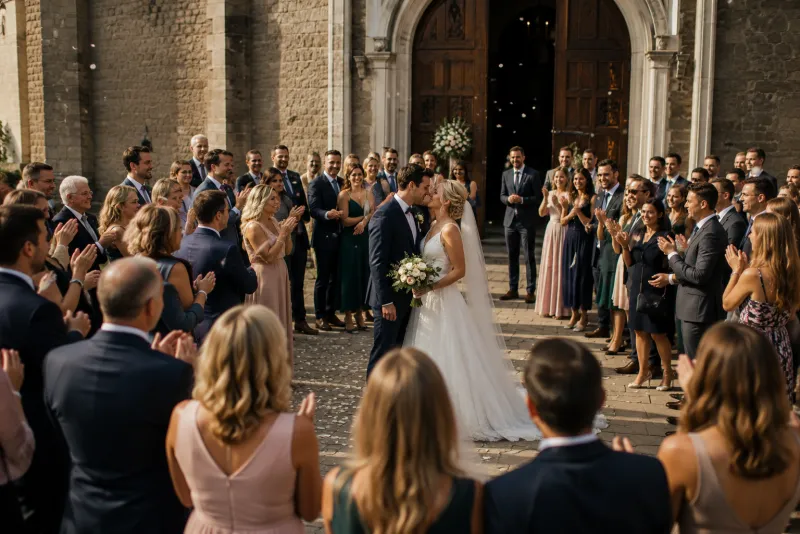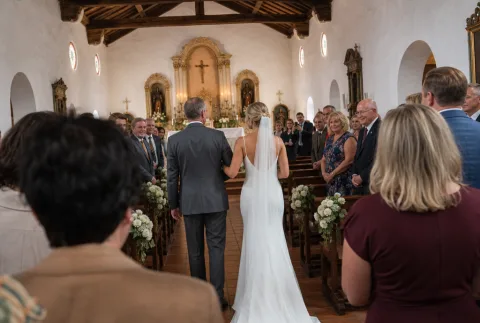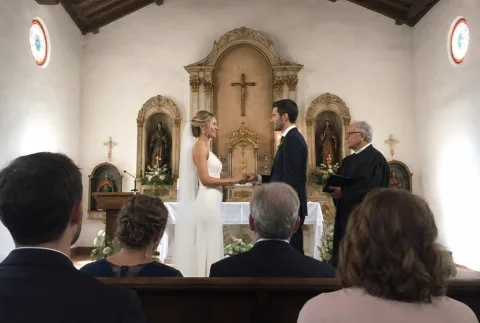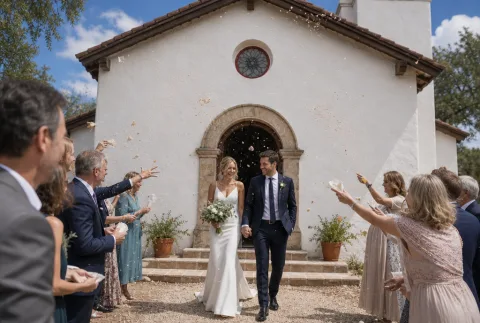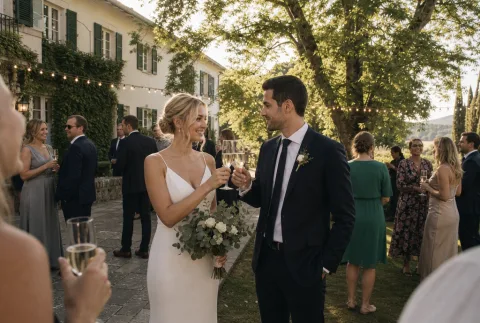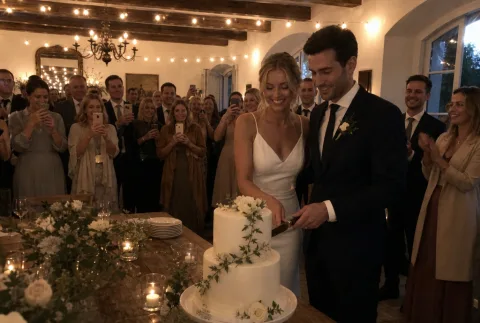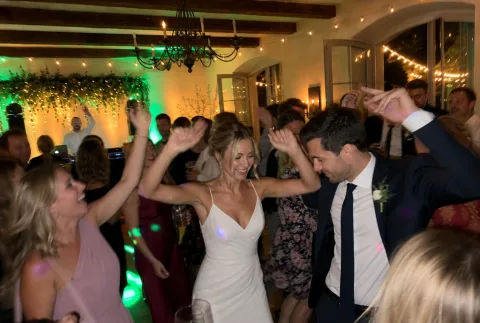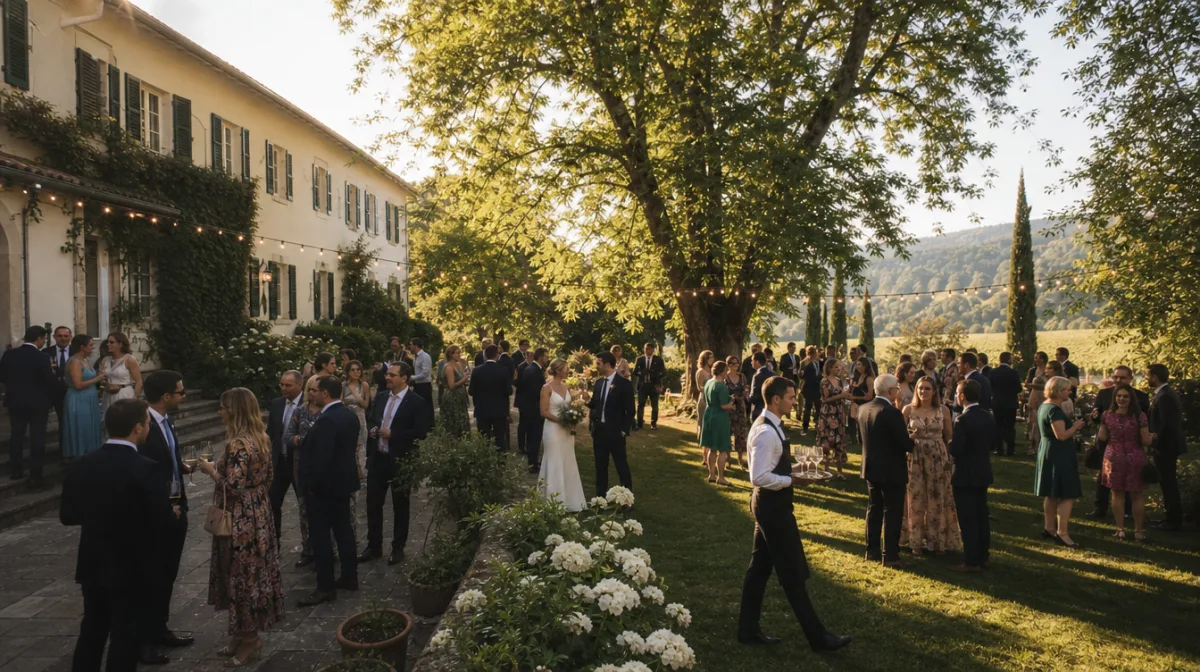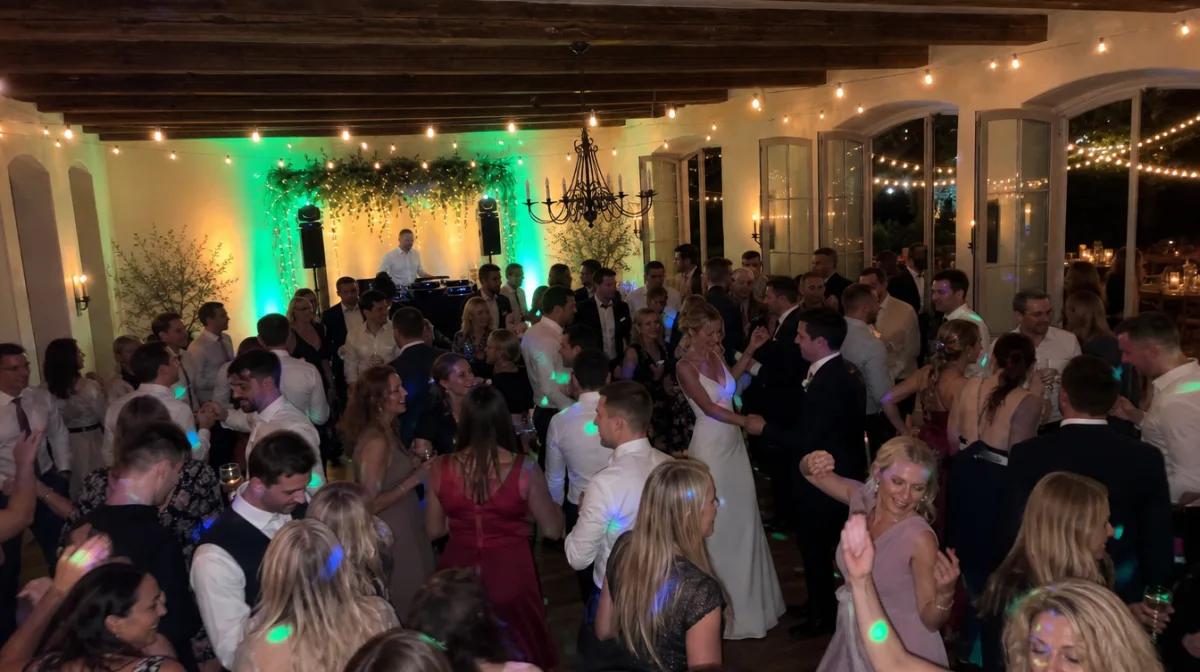

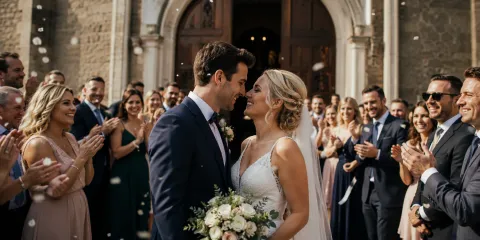



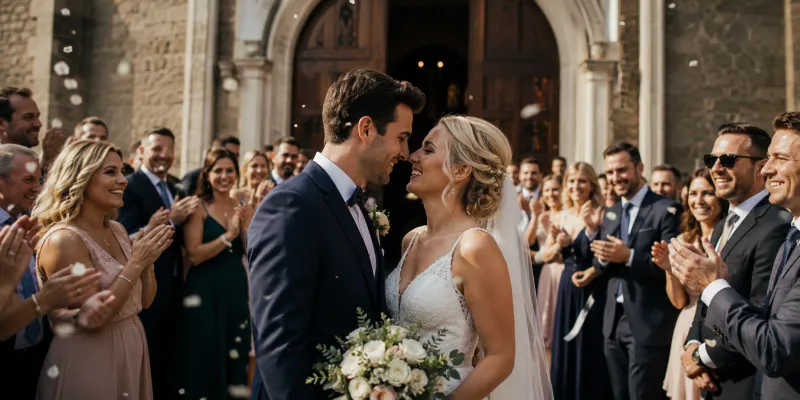
What a beautiful moment! 💕
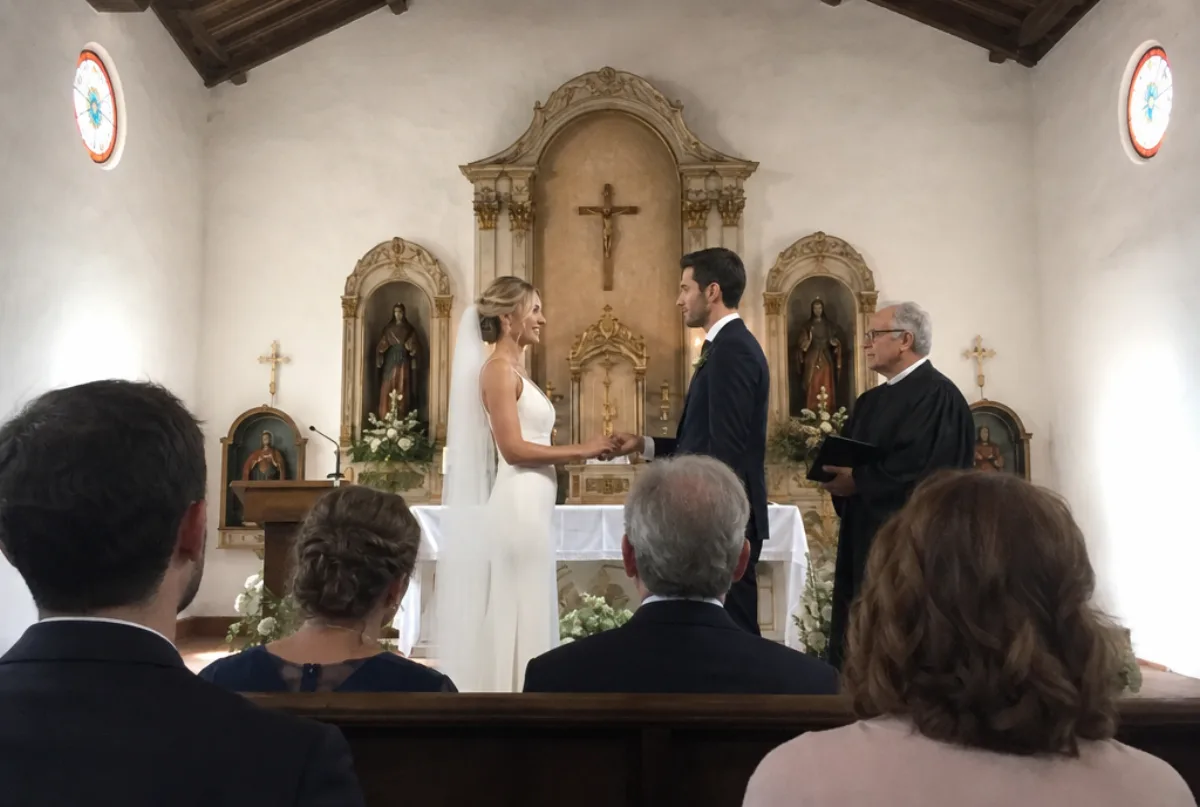
All the photos and videos from your event in one place: your guests scan a QR code and upload their shots straight into your shared gallery. No app, no WhatsApp groups, no cloud chaos.
But anyone can collect photos: with Pixxta you turn your event into an experience – live, together with all your guests.
The common problem
Every guest takes photos – but the pictures stay scattered across dozens of phones. You ask, remind, wait … and you never get to see half the memories.
The solution
Your guests scan your QR code, land right inside your event no app needed and upload their photos and videos. Pixxta collects everything automatically in one place: your shared gallery.
Gallery
Every shot your guests take lands in one shared gallery. Pixxta arranges them in four different ways — switch below and see for yourself.
Your evening in the order it happened.
Every shot carries its timestamp. The timeline lines them up chronologically — from the welcome drinks to the last song.
Photos that belong together, grouped automatically.
Pixxta recognises which shots belong to the same instant and gathers them into one moment — nobody has to sort anything.
The same instant, every angle.
Every guest captures the moment from their own point of view. Perspectives places those shots side by side — you see your day through everyone's eyes.
Sorted by what is actually in the picture.
Dance floor, cake, group shots: Pixxta recognises what your photos show and turns it into collections of its own.
Tip: switch the view yourself — this is exactly how your guests will use it later.
What happens to your photos — and what doesn't.
One look, once
After upload, each photo is looked at exactly once by an image recognition service. What comes back are terms like “cake” or “dance floor” and where faces sit in the picture — nothing more.
No facial recognition
Faces are only located as an area of the image so that crops don't cut off heads. Nobody is identified, no face database is created and nothing is matched against outside sources.
No training of third-party models
Your photos are not used to develop AI models. The corresponding opt-out is permanently on file with our provider.
Downscaled copy, Frankfurt
The original is never transmitted, only a downscaled copy. Processing takes place in Frankfurt am Main, under a data processing agreement pursuant to Art. 28 GDPR.
Create your event for free and let your guests upload photos from the very first minute – no app installation required.
Every event gets this. But there's more:
Pixxta becomes the heart of your celebration: it entertains your guests, gets them talking to one another and turns them from onlookers into part of the night. What you're throwing becomes an experience you all create together – live, in the moment and there for everyone to see.
The experience
And that's exactly what Pixxta gives you a whole set of building blocks for – each a highlight in its own right, together your very own event experience:
The big stage of your evening: photos and greetings appear on the screen or TV seconds after upload – the centrepiece that draws every eye.
Every upload instantly reaches everyone: your guests see each other's photos live on their own phones – like a private social network that exists for this one evening only.
Small photo tasks send your guests on missions throughout the evening – a party game that gets tables talking and creates pictures that would never have existed otherwise.
Personal words just for you: your guests leave a few lines, record a voice message or a short video message. None of it goes on the screen – you read and hear it in peace after the party, in real voices and kept forever.
Live wall
Your guests' photos, videos and greetings appear on the screen or TV seconds after upload – fully automatically, without anyone having to lift a finger. That turns the live wall into the heart of the evening: everyone looks over, spots their own snapshots on the big screen and celebrates along. Many single moments become one shared experience for everyone in the room – right as it happens.
Anna & Max
July 12, 2026
Your guests upload a photo – and your Live Wall shows it to everyone in the room at the same moment.
Your guests write greetings – and they run across your Live Wall the very same moment.
Connect a laptop, open the browser, done – ideal for smaller rooms, the bar, or as a personal photo spot next to the guest book.
Just a browser needed
Connect via HDMI or open the live wall directly in the smart TV's browser – ready to go instantly at any venue with a TV.
HDMI or browser
The big entrance: photos and messages in cinema size above the dance floor – perfect for weddings and events with lots of guests.
For large halls
Tip: No projector on hand? Many event venues provide hardware, someone in your circle of friends often has a projector – or you rent one, just like you would with any other equipment for your event.
Internet on site: Wi-Fi, phone hotspot, or a mobile LTE router – then nothing stands in the way of your live-wall experience.
For every occasion
Wherever people come together, photos are taken that you'd otherwise never get to see. These four occasions love Pixxta most.
The morning preparations, the laughter at the next table, the dance floor at midnight – your big day is full of moments you can't see yourself. Your guests capture them, Pixxta collects them for you. All you have to do is get married.
From the first glass of sparkling wine to the last conga line, everyone at a birthday party takes photos – except the birthday person ends up with nothing to show for it. With Pixxta, all the pictures land automatically in one place: a gift that lasts.
Summer party, holiday party, or anniversary: Pixxta gets colleagues talking – with challenges as icebreakers and the live wall as the centerpiece of the evening. No app and no accounts needed for your guests.
High school, university or an apprenticeship – after years together comes the big moment: caps fly, diplomas in hand, tears and cheers. Your guests capture it all, Pixxta collects it – the memory of your time together stays in one place.
How it works
No setup marathon, no tech hurdles: you create your event in minutes, style it in your colors, and put the QR code on the tables. Your guests need neither an app nor an account – scan the code, enter their name, join in.
Sign up for free, create your event, and customize everything to your liking – gallery, challenges, messages, and more. Turn on the features you want; simply switch off what you don't need.
You get your personal QR code – share it digitally via link or print it out: as a ready-made stand-up layout in various designs, or just the QR code on its own for your own table cards.
Your guests scan the code and land straight in the event dashboard – no registration or app required.
Upload photos, complete challenges, send messages – every guest contributes to the unforgettable memory.
FAQ
By now you already know a lot about Pixxta. But if you still have questions, you'll find some answers here.
Pixxta is perfect for any occasion where people come together to celebrate – from weddings and birthdays to corporate parties and graduations. Essentially, it works for any event where you want to collect photos from your guests.
Unlike a chat group, your photos don’t get lost in the message thread: Pixxta collects all your guests' photos and automatically organizes them into a beautiful, easy-to-navigate gallery for everyone.
Yes. You can create as many events as you want in your account and design and activate each one individually. Events are conveniently billed separately upon activation.
No. Your guests simply scan the QR code and land directly in the event dashboard – no download, no registration, no hurdles.
Guests scan the QR code or visit the unique link, enter their name or simply join anonymously – and can upload photos and videos directly, without any app or registration.
Absolutely. The process is deliberately kept so simple that it works without any explanation: scan the code, enter a name, upload a photo.
No. Your guests only enter their name if they want to – no email address or password is required. If they prefer not to enter their name, they can simply use a nickname or participate anonymously.
Yes, Pixxta provides the QR code as a ready-to-use A4 template. Alternatively, you can use the generated QR code image file and print it directly on your table cards.
Guests can manage their own contributions through their guest portal; as the host, you can also remove individual photos from the gallery at any time.
Yes, as a host you can remove individual photos from the gallery at any time: Pixxta automatically detects duplicates and shows them to you for review.
Yes, the gallery can be shared with everyone via a single link – including guests who didn't upload anything themselves.
You can download all event photos together as a ZIP file using the bulk download; each photo can also be saved individually from the gallery.
Yes, with the moderation feature you can review photos if needed before they show up on the live wall. You can either approve each photo manually or block inappropriate ones afterwards. Both options are available.
Photo challenges are small photo tasks that guide your guests throughout the evening. This results in photos that probably no one else would have taken. In the editor, you can create your own tasks or use prepared tasks or entire challenge packages.
Greeting messages are short text notes that can also be displayed live on the screen. Audio greetings are spoken messages from your guests that you can listen to later like a voice message.
'Collecting Photos' is limited to uploading and the gallery. This package is also suitable for simply gathering all photos afterwards. 'The Full Pixxta Experience' additionally unlocks the live wall, photo challenges, greeting messages, audio greetings, and the guest portal with live feed – adding extra fun to your event day.
Registration is required but free and doesn't require a credit card – you can create your event, set everything up at your own pace, and try it out in test mode. If you decide to use Pixxta for your event, you can easily activate it with just a few clicks. Payment is only needed at that point.
There is no subscription – you pay once per event and only when you activate your event.
Even without activation, your event along with test data remains in your account until you decide otherwise – no charges will apply. You can also delete an event completely at any time.
Your gallery is not publicly accessible – only those who have your private link or QR code can access it, meaning the people you share the link with.
When you delete your account, your events and the associated data are permanently removed.
All photos and videos are stored for 1 year. During this time, all images can be downloaded unlimited times.
After the one-year access period expires, your event data will be automatically deleted – so make sure to download your photos in time. But don’t worry: we’ll notify you well in advance.
Yes, you can add photographers or videographers as contributors – their shots then land directly in the same event gallery as your guests' photos.
Not directly. Pixxta is a purely web-based service, but you can add it to your home screen as a Progressive Web App in just a few seconds without using an app store. This gives your guests the feel of a native app, plus you can notify them with a single click when the final event gallery is ready.
Pricing
No subscription, no hidden costs. Sign up, set up your event, try everything at your own pace – you pick your plan only when you activate.
For smaller celebrations where a manageable number of photos comes together: live wall, challenges and greetings are fully included – only the number of uploads is capped.
You simply want to gather the photos scattered across everyone's phones and get a beautiful gallery? Share your link and your guests upload.
one-time · per event
Pixxta celebrates from the start: the live wall on the screen, challenges and greetings make the party itself an experience – with no limits at all.
one-time · per event
No credit card · You decide only when you activate
| Compared | Free | Collect photos | The full Pixxta experience |
|---|---|---|---|
| Upload link & QR code for your guests | included | included | included |
| Pixxta gallery with moments, perspectives and themes | included | included | included |
| Download images individually or all at once | included | included | included |
| Unlimited access to all photos for one year | included | included | included |
| Live wall on projector or TV | included | not included | included |
| Photo challenges for your guests | included | not included | included |
| Messages on the big screen | included | not included | included |
| Digital guest book | included | not included | included |
| Guest portal with live feed | included | not included | included |
| Max. number of guests | unlimited | unlimited | unlimited |
| Max. photos & audio greetings | 100 | unlimited | unlimited |
| Max. videos | not included | unlimited | unlimited |
Sign up in under a minute, set up your event, and experience an unforgettable celebration with all your memories in one place.
Free registration · Pay only when you activate · No credit card required
This website uses cookies in order to enhance the overall user experience. Take a look at our Cookies Policy for more information.