


Michael
just now
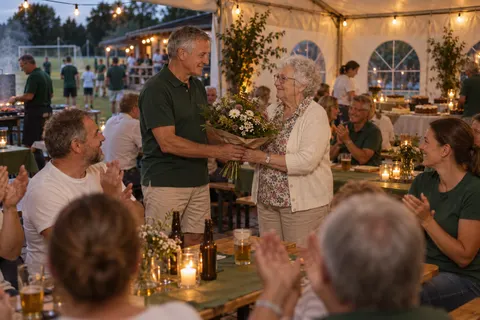
Your guests snap away. The whole party sees it live.
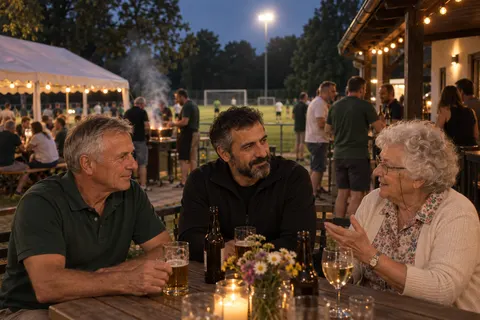
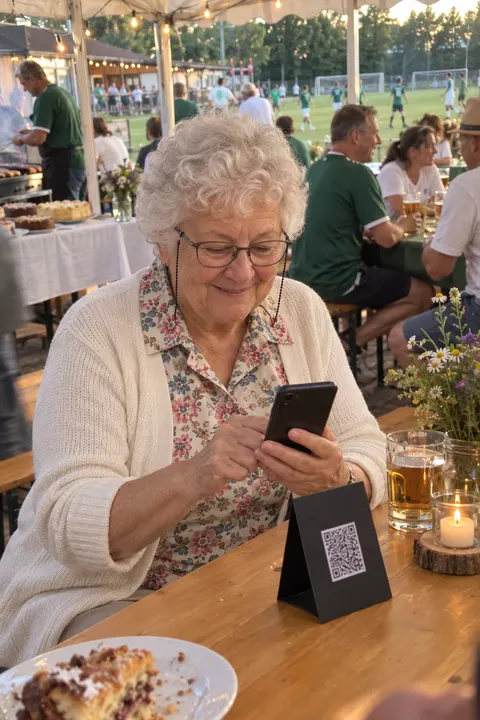
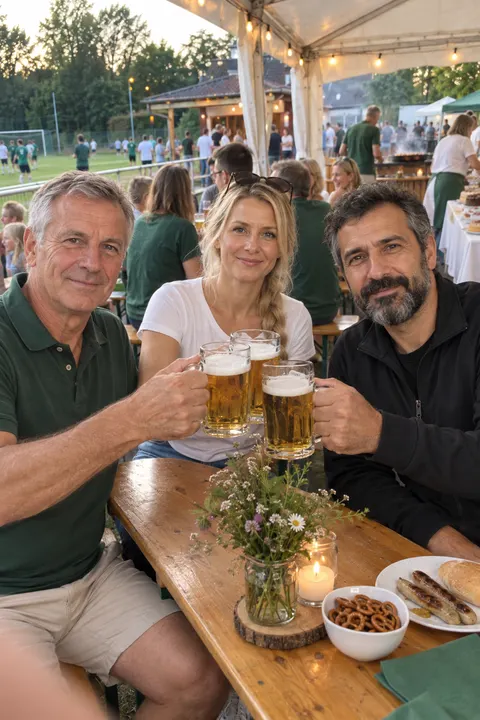
One QR code on the tables, and everyone who’s celebrating uploads their photos and videos straight into your shared gallery. Members, families and the neighbours from down the road, with no app and no account.
After the event you have the pictures for your newsletter, website and club history in one place, instead of chasing twenty people for them one by one.
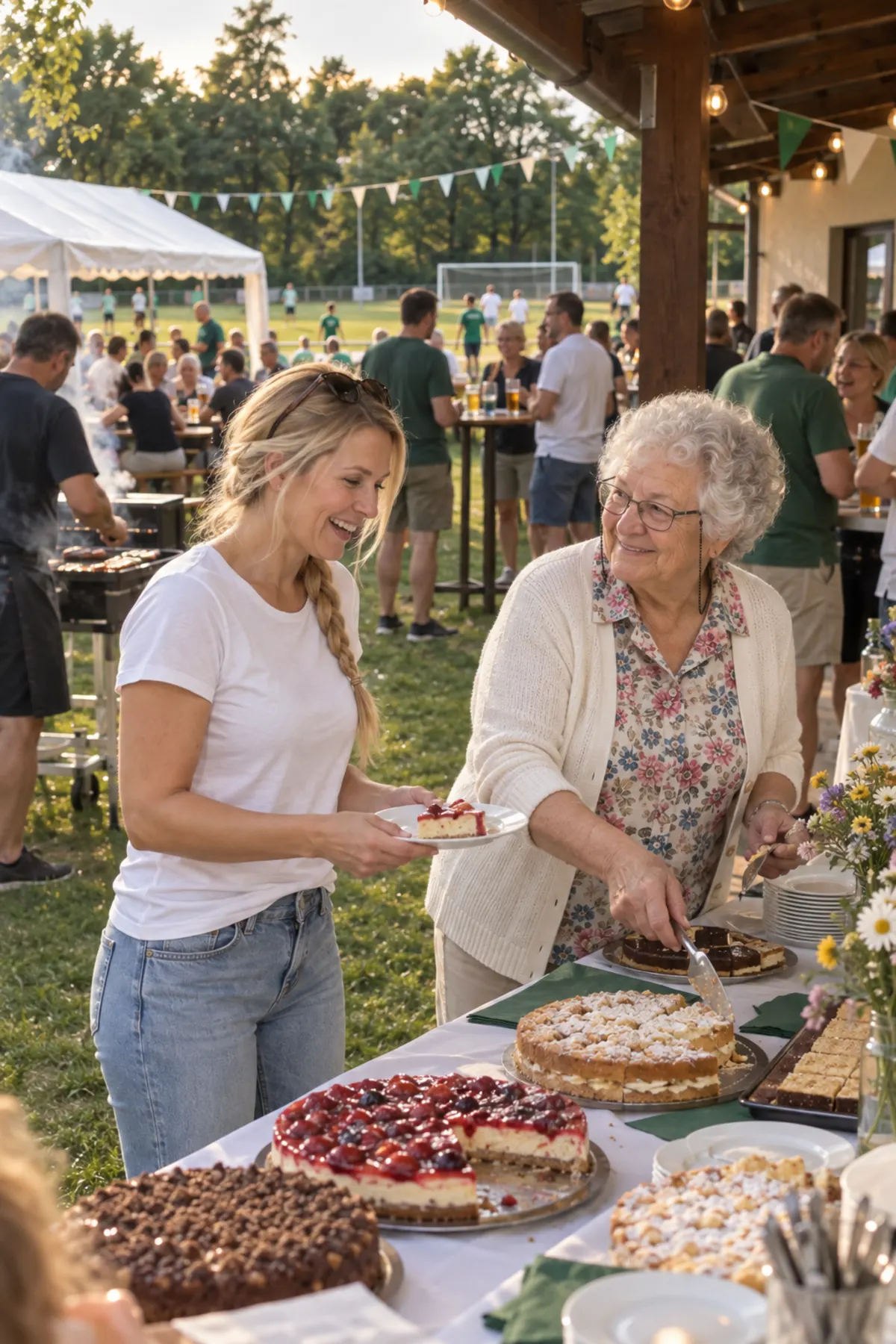
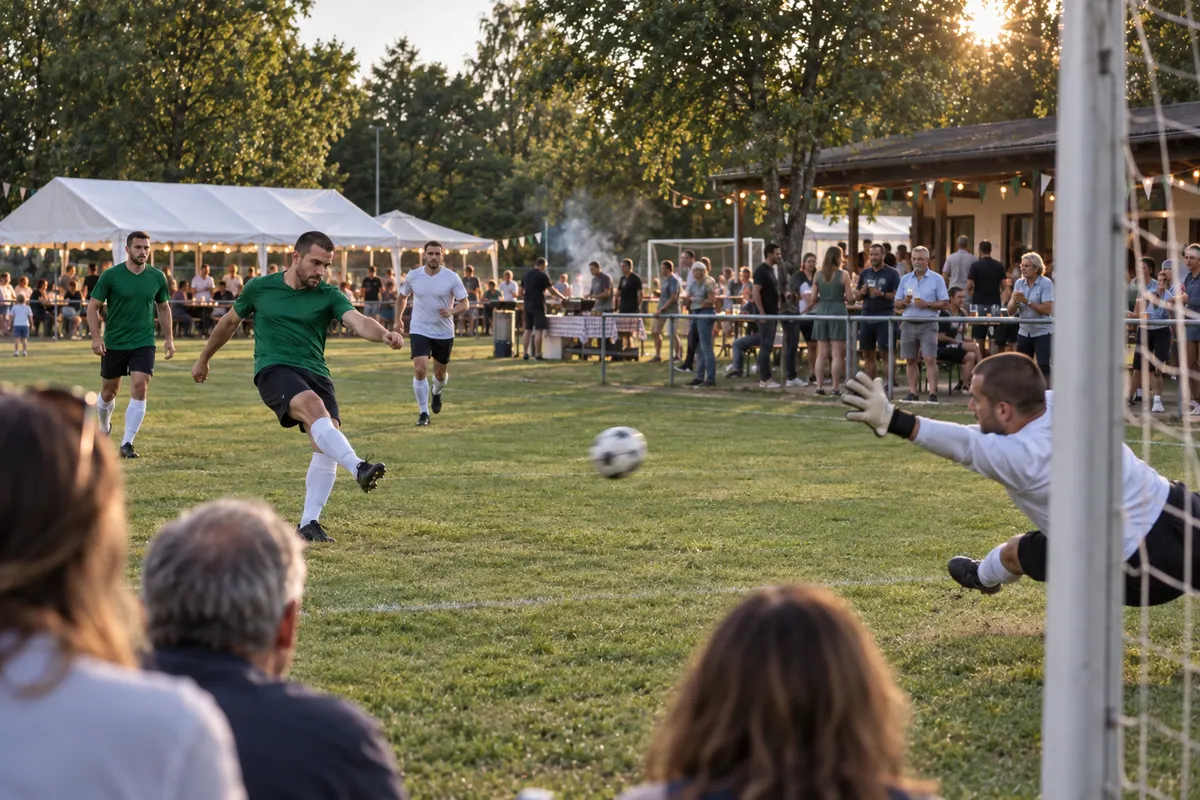
Example images on this page are AI-generated
Club event
Three steps, and none of them needs an app. Someone on the committee does the first one a few weeks ahead, and your guests do the other two on the day.
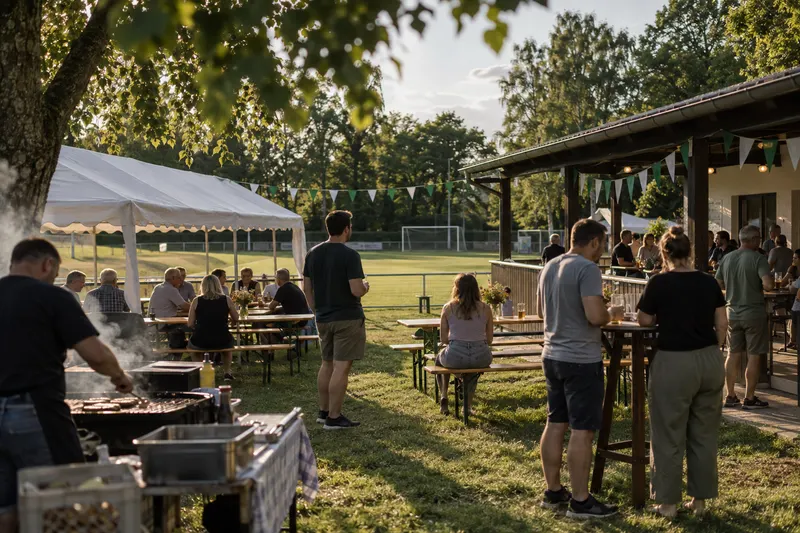
You set up your club day as an event for free and get your QR code straight away. Pixxta turns it into a ready-to-print table card: one for every table, one for the cake stall, one as a poster at the entrance to the marquee. Until the big day, you try everything out in test mode.
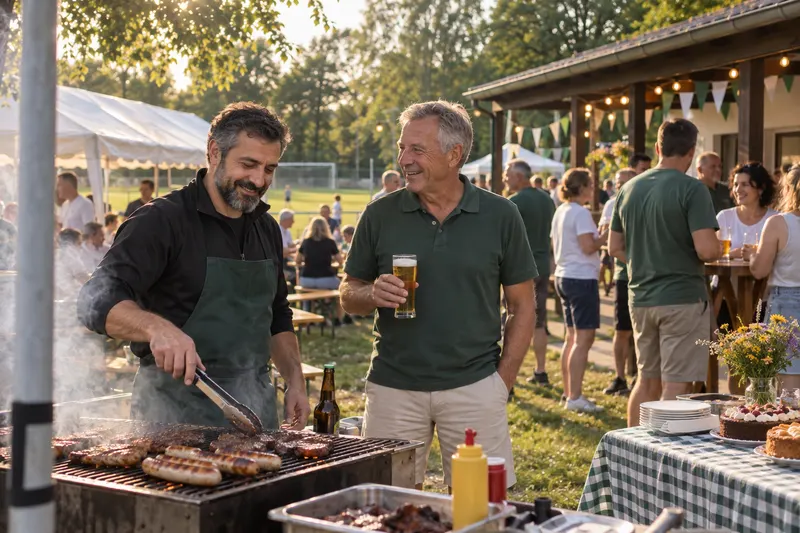
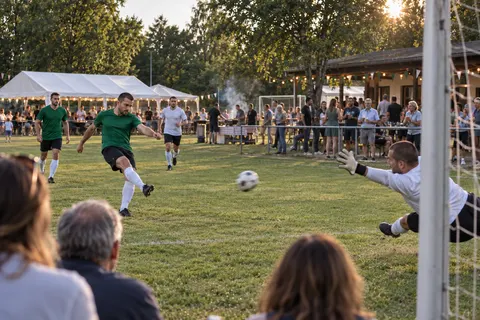
Somewhere between the barbecue and the penalty shoot-out, your guests scan the code with their phone camera, enter their name or stay anonymous, and upload photos and videos in the browser. The honorary member in the front row manages it just as easily as the under-10s mum on the touchline.
Every picture lands in your shared gallery. With Pixxta Live, everyone sees it straight away: in the live feed on their phone and on the Live Wall, your live slideshow for projector and big screen.
Every committee knows this one
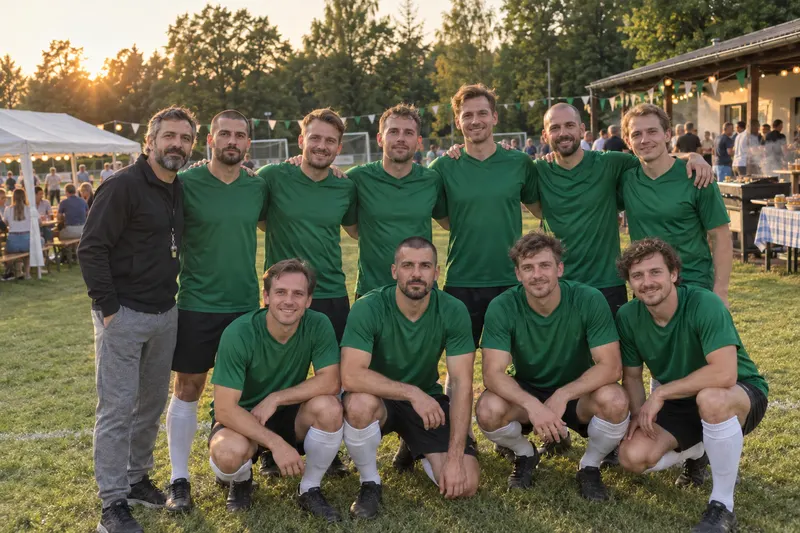
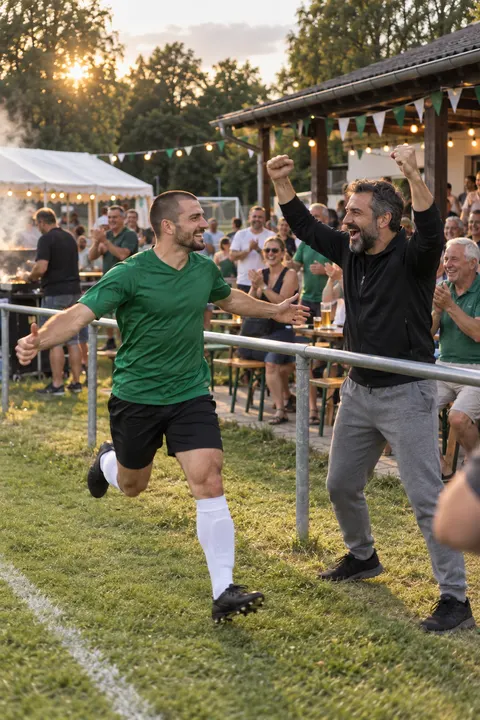
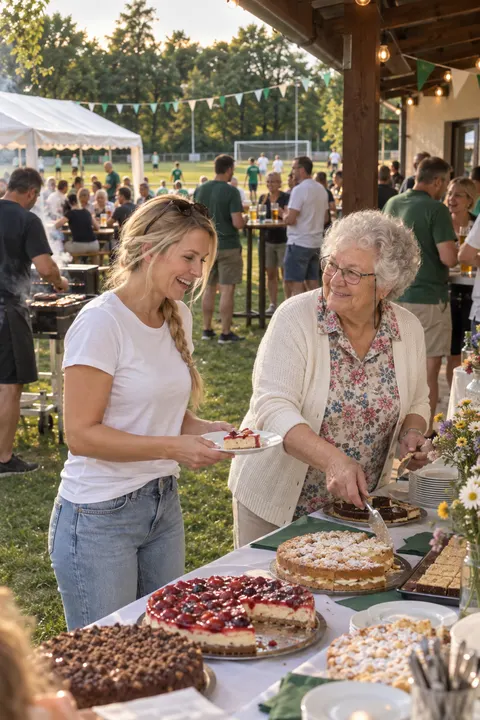
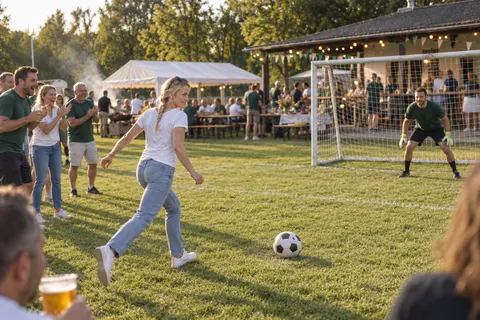
On the day, half the village is taking photos. The publicity officer stands at the front with his camera for the awards, parents film their kids in the penalty shoot-out, and during the veterans vs first team match, everyone who isn’t playing is snapping away. Three weeks later the newsletter asks for pictures, and the only ones anyone has are the publicity officer’s.
The rest are stuck in group chats that not everyone looks at: the committee chat, the team chat, the fitness class chat, each with its own twenty pictures. The visitors from the village aren’t in any of them. Anyone who needs photos messages afterwards, waits, and messages again. And for the anniversary book in twenty-five years’ time, someone will go looking for pictures of this day and find a shoebox and an unlabelled USB stick.
It’s easier to collect the photos on the day itself, before they vanish into twenty group chats: with a QR code on every table that visitors who aren’t in any club chat can scan too.
“Take some photos” gets you a hundred pictures of the barbecue. A small challenge gets you the picture that’s missing from the club history. Eight examples that work at a club event:
With Pixxta, your guests see the challenges as Photo Challenges on their phones and upload their picture straight to them. You can set a challenge to “one-off”: then it disappears as soon as someone completes it. With the mayor and his sausage, that quickly turns into a little race. Photo challenges are part of Pixxta Live.
Anyone can collect photos.
A guest uploads a photo, and a few seconds later it’s up on the big screen. Nobody sits at a laptop clicking through pictures. The Live Wall is your digital photo wall: photos and messages run as a live slideshow on a projector, TV or monitor, all evening long.
Once Auntie Sue spots herself at cinema size, the rest of the room gets their phones out too. That’s how the photos nobody would otherwise have taken come about, and everyone sees them the moment they happen.
In the marquee, the screen is best placed next to the stage, where every table can see it. If you’re celebrating in the clubhouse, the TV that normally shows the football will do.

Kirkdale FC: 100 years
12 June 2027
A screen with a browser and the internet. That’s it.
Large monitor
Connect a laptop, open the browser, done. Fits smaller rooms, the bar or a photo corner next to the guest book.
Smart TV or television
Connect via HDMI or open the Live Wall directly in the TV’s browser.
Projector and screen
For large halls. The photos play above the dance floor, and everyone in the room can see them.
Tip: No projector? Many venues provide one; otherwise someone among your friends often has one, or you can hire it like the rest of the party equipment.
Internet on site: The venue’s Wi-Fi, a phone hotspot or a mobile 4G router will do.
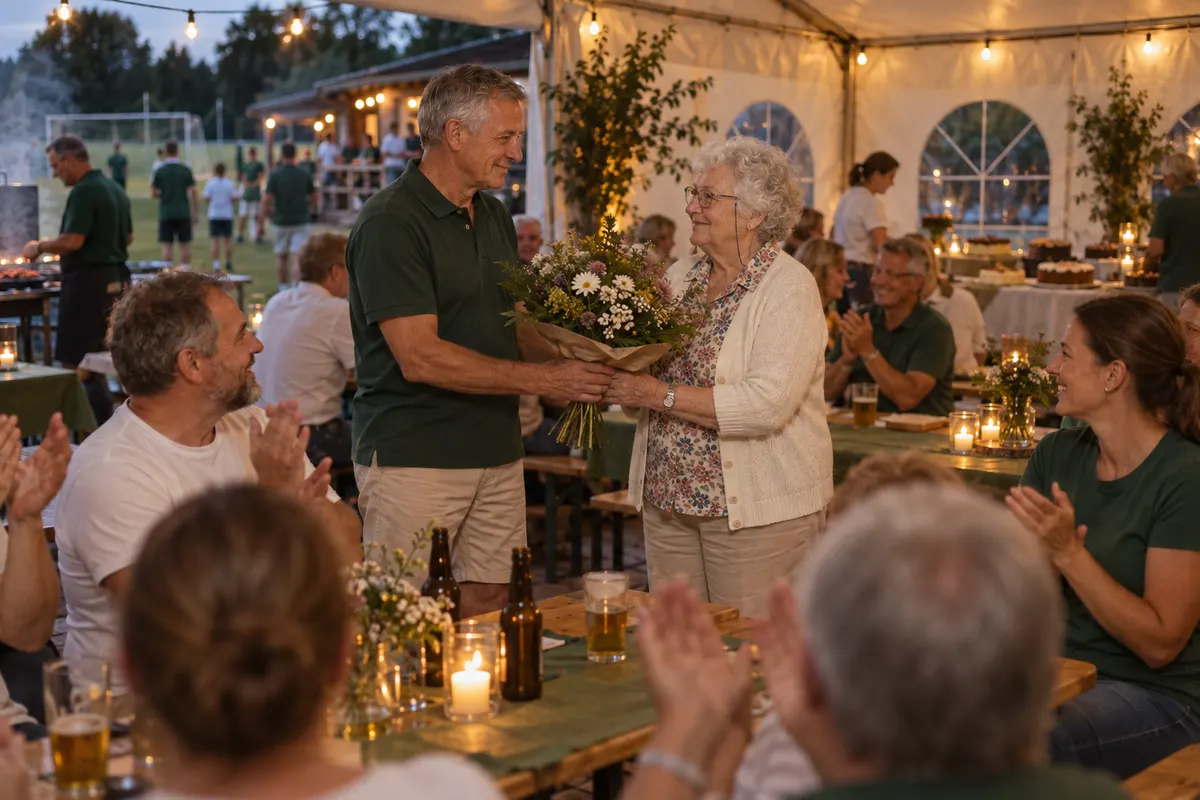
There are plenty of speeches from the lectern in the evening. But the best words come from the members themselves: the player who’s been with the club for forty years, the coach who brought up half the village’s under-10s. On their phones, your guests write a few lines, record a voice message or film a short video message whenever something comes to mind.
The messages are just for you, meaning everyone who manages the event. You download them after the event and have material for the anniversary book or the review in the newsletter. The same rule applies here: anyone you quote gets asked first.
Messages and the guest book are part of Pixxta Live, not “Collect photos”.
More on the digital guest bookWhat you get
Every photo and video from your guests lands automatically in your shared photo gallery, without you having to chase a single picture. Pixxta sorts everything for you: by time, moments, guests and subjects.
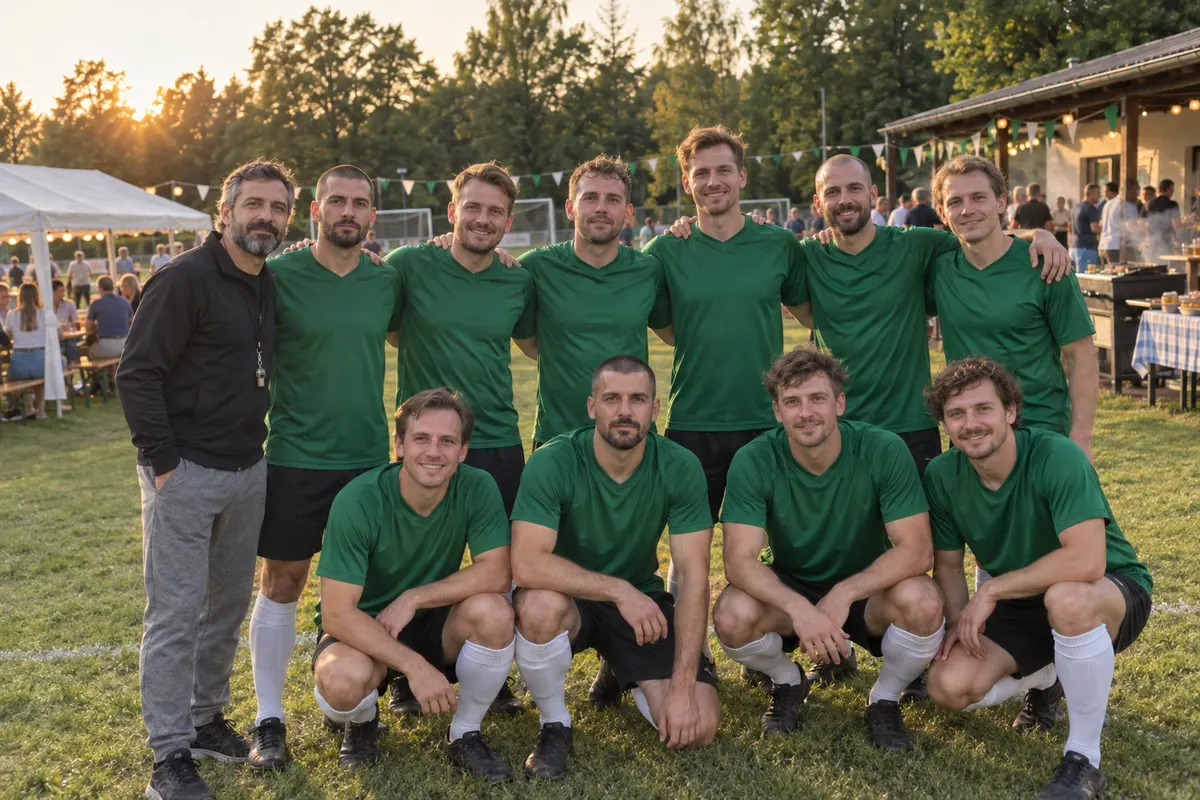
Photos that belong together, grouped automatically.
Pixxta recognises which shots belong to the same moment and groups them together. Nobody has to sort anything.
Your evening in the order it happened.
Every shot carries its timestamp. The timeline puts them in order, from the first glass of fizz to the last song.
Your own albums, exactly the way you want.
After the event you create your own albums, such as “For the newsletter” or “Awards”, sort photos into them and decide the order. Your guests see them right in the gallery.
The same instant, every angle.
Every guest captures the moment from their own point of view. Perspectives puts these shots side by side, and you see your event through everyone’s eyes.
Sorted by what is actually in the picture.
Marquee, pitch, group shots: Pixxta recognises what’s in your photos and creates collections from them.
What happens to your photos, and what doesn’t.
One look, once.
After upload, each photo is looked at exactly once by an image recognition service. What comes back are terms like “cake” or “dance floor” and where faces sit in the picture. Nothing more.
No facial recognition.
Faces are only located as an area of the image so that crops don’t cut anyone’s head off. Nobody is recognised, no face database is created, and nothing is matched against outside sources.
No training of third-party models.
Your photos are not used to develop AI models. The objection to this is permanently on file with our service provider.
Reduced copy, Frankfurt.
The original is never transmitted, only a downscaled copy. Processing takes place in Frankfurt am Main, under a data processing agreement pursuant to Art. 28 GDPR.
FAQ
Yes. Anyone who scans the QR code can take part, including the neighbours and the guests from your partner club. Nobody needs an account, and there’s no limit on the number of guests in any plan.
No. Your guests simply scan the QR code and land directly in the event dashboard – no download, no registration, no hurdles.
Yes. You add him as a contributor, as a photographer or videographer, and upload his pictures to your gallery after the event. They then appear under his name alongside the guests’ photos.
Yes. You enter your club’s name and, if you have one, your VAT number in the checkout window of our payment provider Paddle. You’ll then find the invoice as a PDF in your event’s payment details, and it’s also sent to you by email. No subscription: each event is billed separately.
No, there’s no subscription. You pay once per event, and only when you activate it.
That’s not up to Pixxta, it depends on whether the people in the photos agree. Ask anyone who can be clearly recognised, and the parents in the case of children. An album called “For the newsletter” helps you keep track of who you’ve already asked.
No, your gallery can’t be found publicly. Only people who have your private link or QR code can get in, in other words the people you share it with.
Yes. The owner invites other people as collaborators. Once they have their own free Pixxta account, they can do everything in the editor except paying, deleting and managing access.
Pricing
Pixxta is made up of three modules:
Moments Seats Play
Until you activate, you can try every module in test mode. When you activate, you pick a tier for each module and combine them freely. Whatever is free always stays included.
 Pixxta
Moments
Live wall, live feed, challenges and messages turn your party itself into an experience.
per event
incl. VAT one-time · per event
One QR code that collects all your guests’ photos and videos, with no programme on the night.
incl. VAT one-time · per event
 Pixxta
Seats
Recreate your room to scale and use the guest list to build your seating plan step by step.
per event
Your guests RSVP online on your wedding website and, if you like, later find their seat on their smartphone.
incl. VAT one-time · per event
 Pixxta
Play
Quiz and song requests get the whole room playing.
incl. VAT one-time · per event
Or go for the full package
Pixxta
Moments
Pixxta
Seats
Pixxta
Play
incl. VAT · one-time · per event
Separately €119
Servers in Germany 🇩🇪 GDPR-compliant
Create your event today, bring in the events committee and try everything out at your own pace, with a test photo of the clubhouse. You only pay once you activate your event.
Free sign-up · Pay only when you activate · No credit card needed
We're a small team, not a corporation. Cookies from our advertising partners show us which ads actually work, so we save ad money that goes into Pixxta instead. Voluntary and revocable at any time. More in our privacy policy.