














Wedding
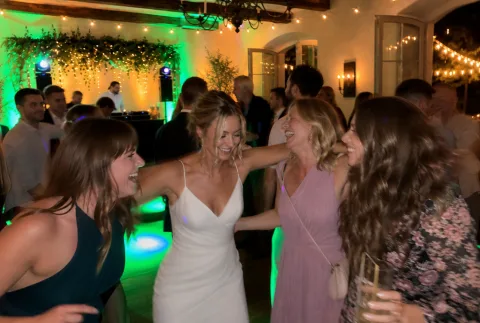
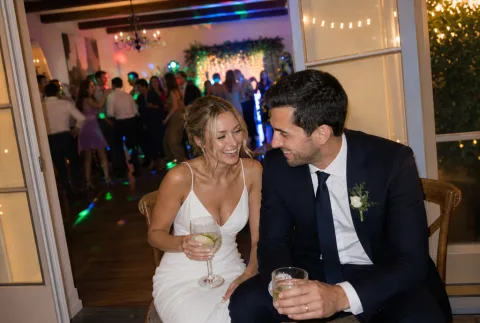
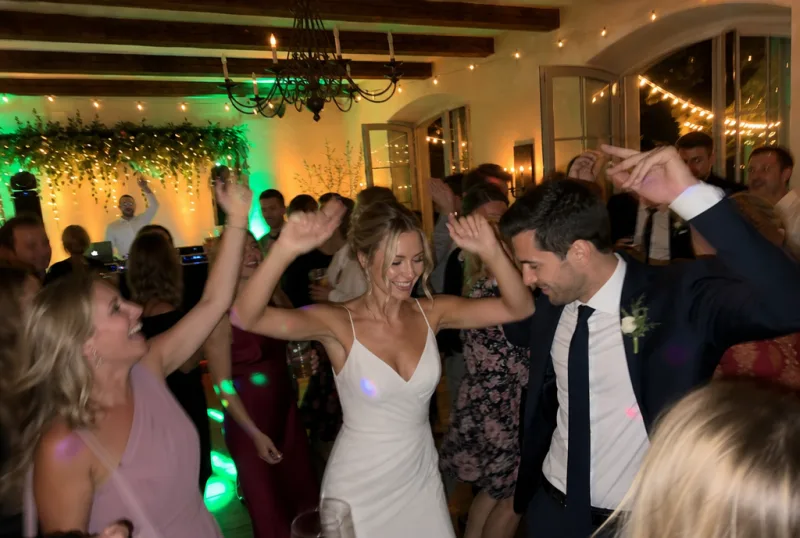
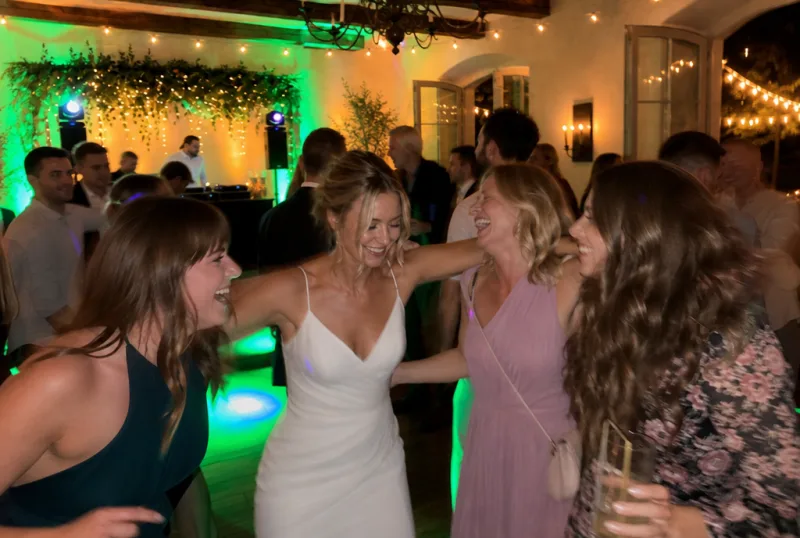
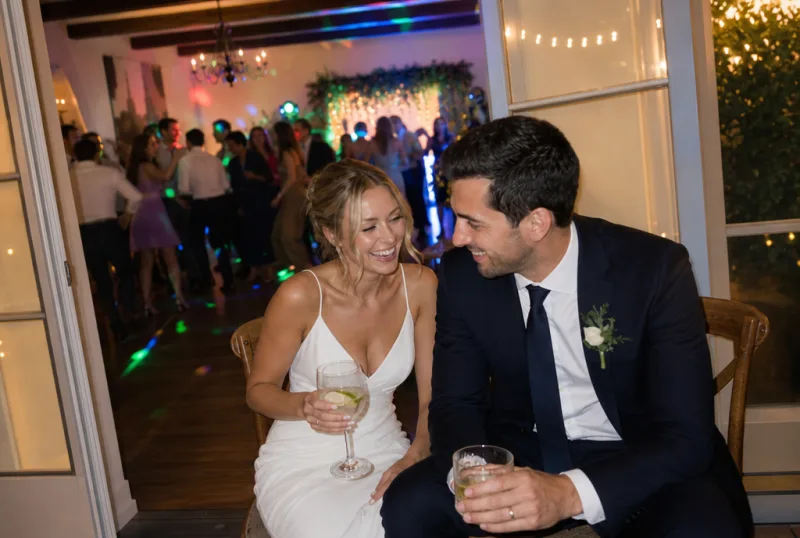
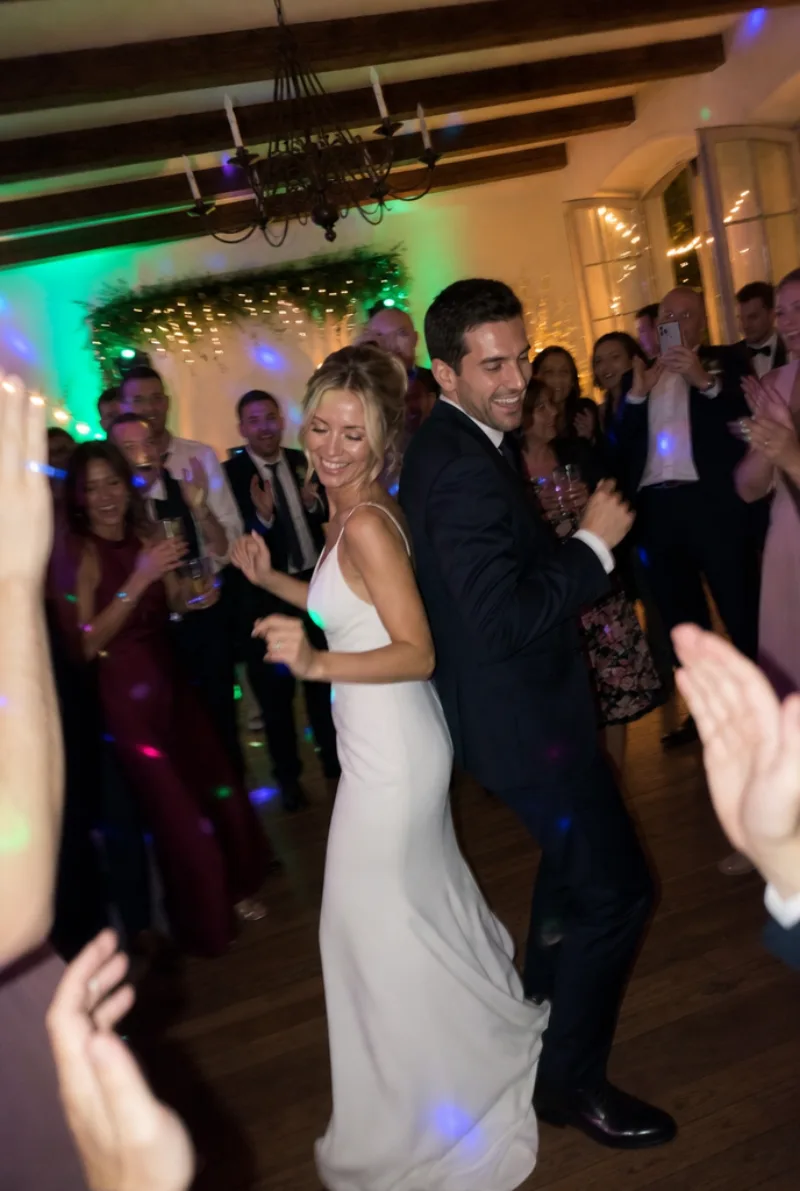
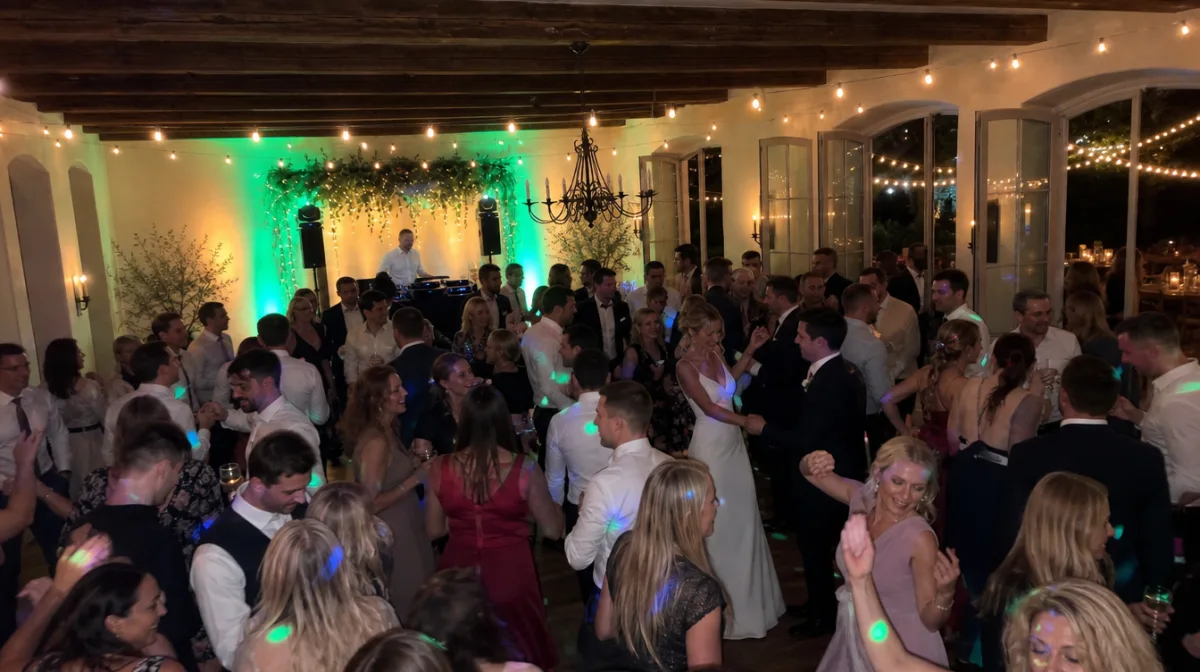
A live slideshow at a wedding gets even the guests who usually just watch to pick up a camera. Most of the action starts at dinner, when everyone is seated with the QR code in front of them.
QR code for your wedding photosYour guests snap away. The whole party sees it live.
Your guests scan a QR code and upload a photo. A few seconds later it’s up in full size on the projector screen, the TV or the monitor at the bar. We call it the Live Wall: your digital photo wall that keeps running on its own all evening.
Nobody sits at a laptop clicking through pictures. You switch the wall on once, and your guests do the rest.
Example images on this page are AI-generated
Live photo wall
Three steps. You take care of two of them beforehand, at your own pace, and your guests handle the third.
Create your event for free, switch on the Live Wall in the editor and pick a design. This is also where you set how long each photo stays up, whether messages run alongside and whether you want to approve photos first. In test mode you can try the wall out beforehand with a few photos of your own.
On the day, open the Live Wall on the laptop connected to the projector or TV and switch to full screen. Until the first photo arrives, the wall shows your QR code with “Join in”. That way it explains itself.
Your guests scan the QR code on the table, upload a photo, and a few seconds later it’s up in full size for the whole room, with their name next to it. The side of the wall shows which photos are coming up next.
The Live Wall is part of Pixxta Live. It isn’t included in “Collect photos”.
Sound familiar?
The idea comes quickly: let’s show the photos of the night on the big screen. Then the tinkering starts. Someone sets up a WhatsApp group, a friend sits next to the projector with a laptop, saves new pictures into a folder and restarts the slideshow every twenty minutes. By ten he wants to dance too. From then on the same 34 photos run on a loop, and the picture of the kids’ table comes round for the seventh time.
The other option is a ready-made slideshow of photos you collected beforehand. That’s lovely for childhood pictures or a look back at the last ten years. But there’s nothing live about it. Nobody sees what your guests photograph on the night.
So a live slideshow has to do two things: take in new photos without a detour and keep running without anyone watching over it. That’s exactly what the Live Wall is for.
Folder “Slideshow_FINAL_2”
34 photos
Photos for the screen
61 members
Can you show the one of us too? 🙏
Will do in a sec!
2 hours ago
Slideshow playing
Picture 34 of 34
Restart
A slideshow that only flicks through photos stops getting looks after twenty minutes. So the Live Wall changes its format by itself, without anyone stepping in.
New guests are welcomed by name, new photos play before older ones, and when lots come in at once the wall shows several together.
Messages appear with their photo, challenge photos get a stamp, and the wall makes a point of celebrating “Photo no. 100!”.
You’ll find ideas for photo challenges that look great on the big screen in the photo challenge generatorThen it shows everyone who’s joined, puts one guest in the spotlight or brings up the QR code.
A screen with a browser and the internet. That’s it.
Large monitor
Connect a laptop, open the browser, done. Fits smaller rooms, the bar or a photo corner next to the guest book.
Smart TV or television
Connect via HDMI or open the Live Wall directly in the TV’s browser.
Projector and screen
For large halls. The photos play above the dance floor, and everyone in the room can see them.
Tip: No projector? Many venues provide one; otherwise someone among your friends often has one, or you can hire it like the rest of the party equipment.
Internet on site: The venue’s Wi-Fi, a phone hotspot or a mobile 4G router will do.
Fixed at 5 to 15 seconds, or dynamic: when lots of photos arrive, the wall moves on faster.
Guest messages run as a ticker along the bottom or appear full size on a slide of their own.
If you like, your event name and date, the number of guests and the live badge.
From Art Deco with gold lines to Arcade with pixel lettering, most of them in your own colours.
Designs
A wall that everyone in the room can see is different from a gallery on a phone. That’s why you have two options, and both work.
You switch on approval. Then a new photo only appears on the wall once someone has approved it. That’s the safe option for a corporate event with clients or a prom with 300 guests. It comes with one condition: someone has to approve photos during the party, or the screen stays empty. You’ll have better things to do that night. So you invite someone you trust as a co-organiser, such as a colleague from the organising team or your best man. With their own free account, they approve what comes in from live moderation on their phone.
Without approval, every photo appears straight away. A picture that doesn’t belong on the wall, you take down afterwards. You can leave that to a guest too: make them a moderator and they can hide or delete unsuitable photos straight from the live feed. For most private parties, that’s enough.
Messages can also be approved in advance, independently of photos.
The wall works best running all evening. But what it shows changes as the night goes on, and a few simple moves help.
The first guests are there, the wall shows the QR code. That’s all the invitation it takes. By the time the first photo appears on screen with a name, the next table is getting their phones out. Photos taken earlier, outside the church or at the drinks reception, the guests upload once they’re seated.
Fewer photos come in now. The wall then shows welcomes, messages and the photos from the afternoon once more. During speeches and programme items, any movement in the corner of your eye is a distraction. Blank the projector for those minutes; almost every remote has a button for it. The wall keeps running in the background and is back straight away when you bring the picture back.
Now comes the flood. The wall moves on faster, groups photos into rows, and anyone who spots themselves takes the next picture straight away. If you’re using photo challenges, the completed ones run in between with their stamp.
The wall goes off, the photos stay. Everything that ran across the screen is in your gallery, plus whatever guests upload in the days afterwards.
A screen hangs in one place. Anyone at the bar or getting some fresh air outside can’t see it. That’s why the same evening also plays in the live feed on every phone.
Every new photo shows up for everyone straight away, with hearts and comments.
Little tasks keep fresh photos coming for the wall.
After the party, Pixxta sorts every photo into moments.
A live slideshow at a wedding gets even the guests who usually just watch to pick up a camera. Most of the action starts at dinner, when everyone is seated with the QR code in front of them.
QR code for your wedding photos
The stage screen belongs to the programme. That’s why at company events the wall often runs on a big TV in the foyer or at the bar, where colleagues from the other site can see who’s already there. With the “Corporate” design in two colours of your choice, or with fairy lights for the Christmas party.
Guest photos at corporate events
In a function room or at home, the living-room TV is enough. At a 60th especially, guests who never share a photo reach for their phones, because they want to see their own picture on the TV.
Birthday photo scavenger hunt
In the school hall or function room, a projector is usually already in place. With several hundred guests, approving photos first is worth it, with a teacher or someone from the prom committee as co-organiser. The gallery stays private.
Guest photos at promHere the wall runs in two eras. Anyone who snapped the old wedding photos on their phone years ago uploads them too. Then 2002 and today take turns on the screen, and the whole room tries to work out who had that haircut back then.
FAQ
Your guests scan the QR code or open the link to your event, enter their name or take part anonymously, and then upload photos and videos straight away. No app and no sign-up.
No. Your guests simply scan the QR code and land directly in the event dashboard – no download, no registration, no hurdles.
Usually a few seconds after it’s uploaded. If lots of guests upload at once, a photo joins the queue. The preview list at the side then shows what’s coming next, and the wall moves on faster so nobody waits long.
Yes. With approval switched on, a photo only appears once you or a co-organiser has approved it. Without approval, every photo appears straight away and you take down anything unsuitable afterwards. A guest acting as moderator can hide or delete unsuitable photos in the live feed.
On any TV with an HDMI input, via a connected laptop. Some smart TVs with a browser can open the wall directly, but you have to sign in there with the remote. The laptop is the easier option.
No. The live wall shows photos and messages. Your guests’ videos go into the gallery and the live feed on their phones.
No. Once it’s open and in full screen, the wall runs on its own. Only if you want to approve every photo first do you need someone to do that on their phone during the party.
No. A social wall pulls Instagram posts onto a screen via a hashtag. With us, your guests upload directly, without an Instagram account, and the photos stay in your private gallery.
In “Free” and in “The full Pixxta experience”, each with every feature of the wall. It isn’t included in “Collect photos”.
No, there’s no subscription. You pay once per event, and only when you activate it.
No, your gallery can’t be found publicly. Only people who have your private link or QR code can get in, in other words the people you share it with.
Pricing
Pixxta is made up of three modules:
Moments Seats Play
Until you activate, you can try every module in test mode. When you activate, you pick a tier for each module and combine them freely. Whatever is free always stays included.
 Pixxta
Moments
Live wall, live feed, challenges and messages turn your party itself into an experience.
per event
incl. VAT one-time · per event
One QR code that collects all your guests’ photos and videos, with no programme on the night.
incl. VAT one-time · per event
 Pixxta
Seats
Recreate your room to scale and use the guest list to build your seating plan step by step.
per event
Your guests RSVP online on your wedding website and, if you like, later find their seat on their smartphone.
incl. VAT one-time · per event
 Pixxta
Play
Quiz and song requests get the whole room playing.
incl. VAT one-time · per event
Or go for the full package
Pixxta
Moments
Pixxta
Seats
Pixxta
Play
incl. VAT · one-time · per event
Separately €119
Servers in Germany 🇩🇪 GDPR-compliant
The Live Wall is part of Pixxta Live, in full. It isn’t available in “Collect photos”.
On the night it’s free: the wall runs all evening and your guests keep adding more.
If you want to keep every picture afterwards, pay €69 in advance or €89 after the party. A live slideshow thrives on guests adding more, and they do as soon as they see themselves on the screen. At a summer party with 120 guests, paying in advance comes to around 58 cents per person.
Create your event, open the Live Wall on your laptop and upload a test photo from your phone. When it appears on the screen, you’ll know how the evening will feel. You only pay when you activate your event.
Free sign-up · Pay only when you activate · No credit card needed
We're a small team, not a corporation. Cookies from our advertising partners show us which ads actually work, so we save ad money that goes into Pixxta instead. Voluntary and revocable at any time. More in our privacy policy.